For about four years now, most of what I “read” I actually listen to. Lecture notes, papers, documentation, the occasional endless email thread. I mark the text, hit a shortcut, and a voice reads it out while my eyes follow along.
It started as a hack, and honestly it still kind of is one. But it changed how I learn more than any app I’ve installed since. So I finally cleaned it up, gave it a name and put it online. It’s called Recito.
The duct-tape version
The first version was an AutoHotkey script. It copied whatever I had selected and handed it to the voices that ship with Windows, the ones behind Microsoft’s old Speech API (SAPI). If you’ve never heard them, think of a train station announcement from the early 2000s. Not pretty, but they pronounce almost everything correctly and start talking instantly, and honestly I still like them for that.
It broke all the time. Sometimes the copy step failed and the script simply recognized nothing. Other times it worked a little too well: the voice started and there was no way to stop it, so I sat there and listened to the rest of whatever I had selected. URLs came out letter by letter, formulas as a string of symbols.
I used it every day anyway.
The exercise sheet
The moment I realized this was more than a gimmick was a long exercise sheet for a university course. One of those with pages of extra background information that you normally skim. I listened to all of it, start to finish, mostly because listening was easier than reading.
At the next session I was the one in our group who knew exactly what we had to do. I had simply understood it in more detail than anyone else, because for once I had gone through every paragraph.
That kept happening. Whole papers instead of abstracts. Documentation instead of the first forum answer. Long articles I would have closed after the second paragraph. Four years of that adds up, and I’m pretty sure a good part of who I am today comes from things I only got through because something read them to me.
Rebuilding it
Over time the script turned into a small Python program running in the background. Along the way I added more engines, like Microsoft’s free Edge voices and Piper, a small open-source engine that runs offline.
This year I wanted to see how far it could go, so I ran seven text-to-speech engines through the same German and English sentences:
- Piper (local): instant, runs on anything, still sounds a bit like a robot reading the news.
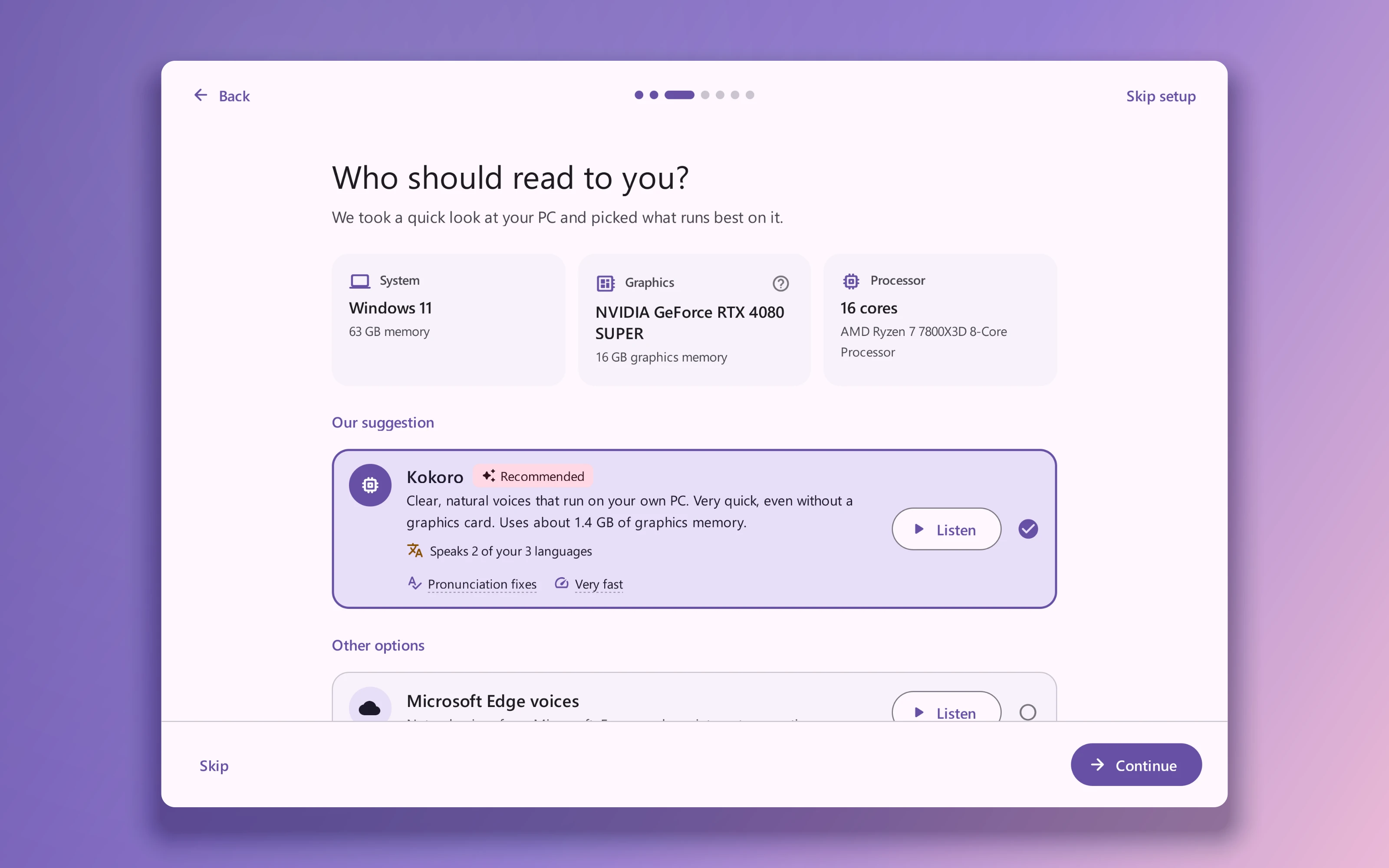
- Kokoro (local): the one that surprised me. Natural, starts talking after about a tenth of a second on my GPU, and runs fine on my laptop’s CPU.
- Chatterbox (local, needs an NVIDIA GPU): my favourite. It can also clone a voice from a short recording, so yes, it can read my notes to me in my own voice. That takes some getting used to.
- Qwen3-TTS (local): you can tell it how to talk, for example “calm, like an audiobook narrator”.
- Edge (cloud): free and good, but needs the internet.
- ElevenLabs (cloud): even more polished than Edge, but you pay per character.
- Step-Audio-EditX (local): used so much graphics memory that my PC (with an RTX 4080) froze for over twenty minutes. Since then Recito checks the memory before it starts an engine:D
One more thing I only noticed when a text switched languages halfway through: the English and German voices of the same engine weren’t equally loud. Recito levels them out now.
What it does now
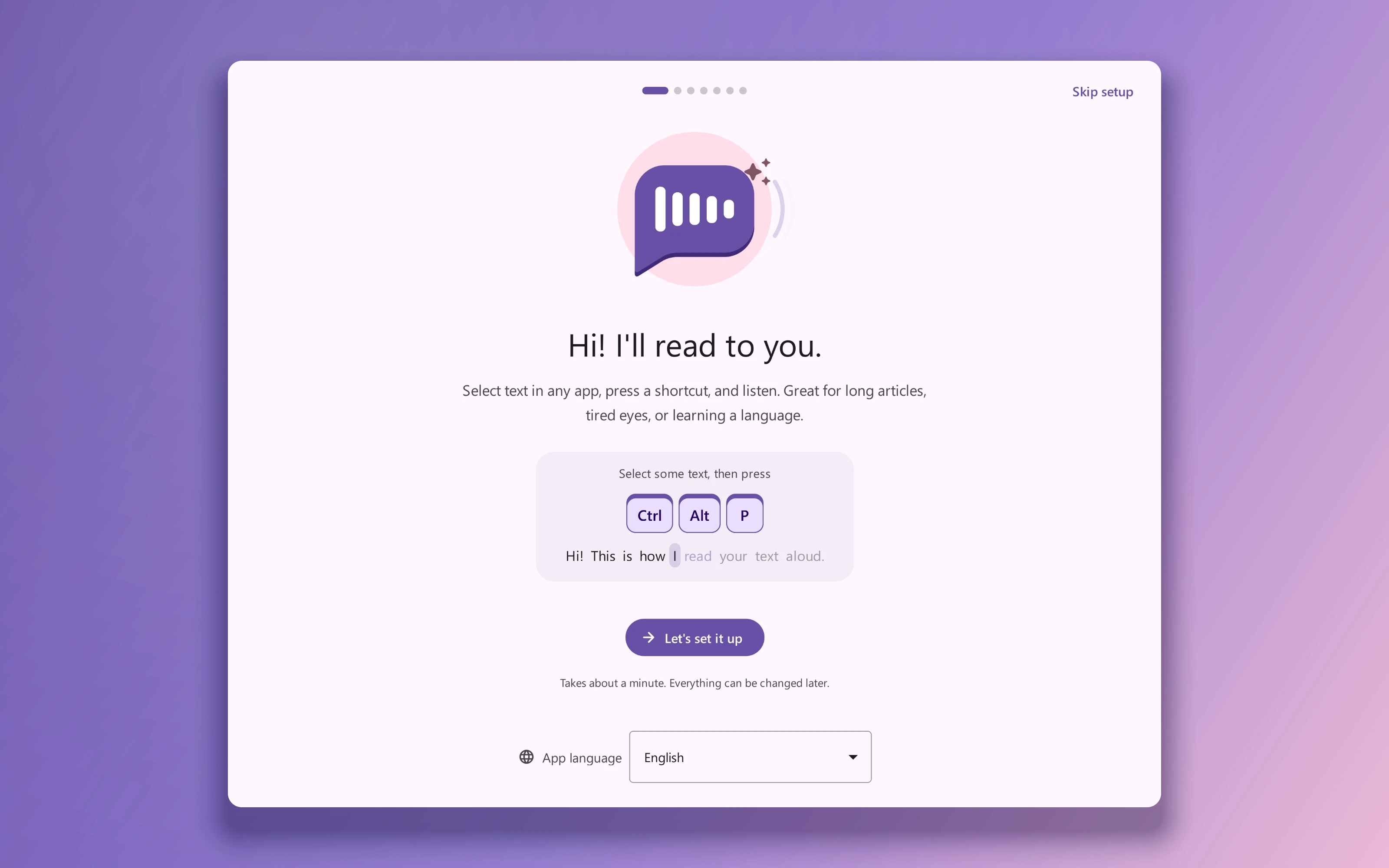
The idea is the same as four years ago. Select, hotkey, listen. Everything else is a fix for something that annoyed me along the way.
You pick between local engines, which never send your text anywhere, and cloud engines when you want their voices. Markdown symbols get stripped and LaTeX formulas get spoken as words, so becomes “x squared”. Those cleanup rules are editable, and an AI assistant like Claude Code can manage them through a small command line tool called tts-rules. Recito detects the language of a text on its own (13 languages so far) and switches the voice to match. And there’s a setup assistant now, so on Windows it’s one installer and on Linux one AppImage, with nothing to install beforehand.
I use it on my Windows desktop at home and on my Fedora laptop at university, so both had to work equally well.
Why I’m putting it out there
I’ve had this running every day for four years, and keeping it on my own machine started to feel a bit silly. If you read a lot, find long texts tiring, or just take things in better when you hear them, give it a try.
It’s on GitHub under the GPL-3.0 license, downloads are on the releases page, and the README has a short video. If you end up using it, I’d really like to hear what you read with it and what’s still missing.